Terra Master D5-300C Hard Drive Installation

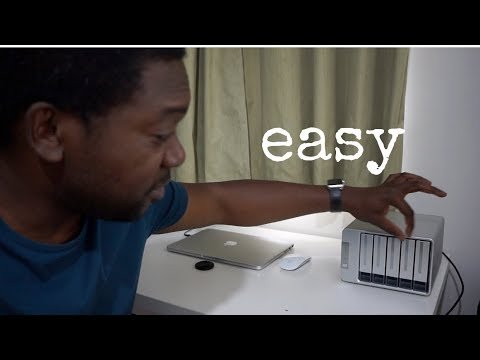
In this video I show you the simple steps of installing a hard drive in a Terra Master D5-300C.
The required drive type is a 3.5' Sata Drive. The one I've opted for is recommended for hard drive enclosures and RAID arrays.
Many people prefer a more plug and play solution without the need for screws. While this is plug and play, as all SATA drives are, it does require screws which are all provided in the box when you receive the Terra Master device.
The screws provide added stability for the drives in the device and ensure they won't suddenly become dislodged when the device is impacted or moved around.
Buy this hard drive on Amazon (affiliate links)
🛒US: https://amzn.to/310RMMl
🛒UK: https://amzn.to/30ZO3yz
Amazon affiliate links mean if you make a purchase after clicking the link, I may receive a small commission from Amazon, but at no cost to you.

Peace and Love ✌🏿
Adé
All copy and photos are original content by me.
© adetorrent.com
▶️ DTube
▶️ YouTube
Hmm this looks very good :) I try find more info :)
It's a great system. It's fast and is all I need for now. My computer also can breathe with all the new space I created today :)
I do like tech toys... and your post. However, I came by due to your standing by @celestal.
Thanks for the support :) .
yeah it's really helpful to have more space, i'd totally suggest like making all your apps use some of that space as a 'scratch drive' for increased speed away from your main working drive too.